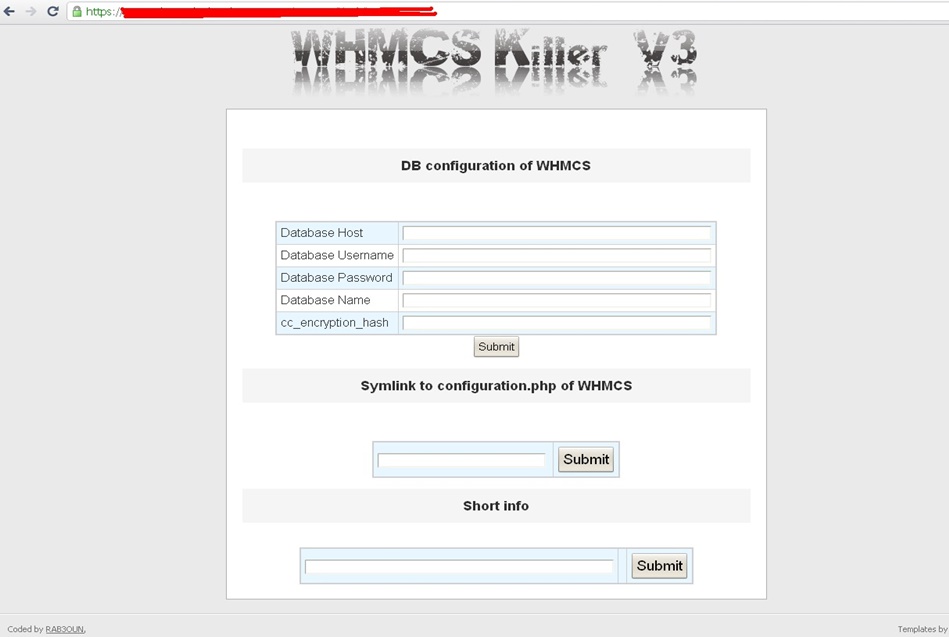
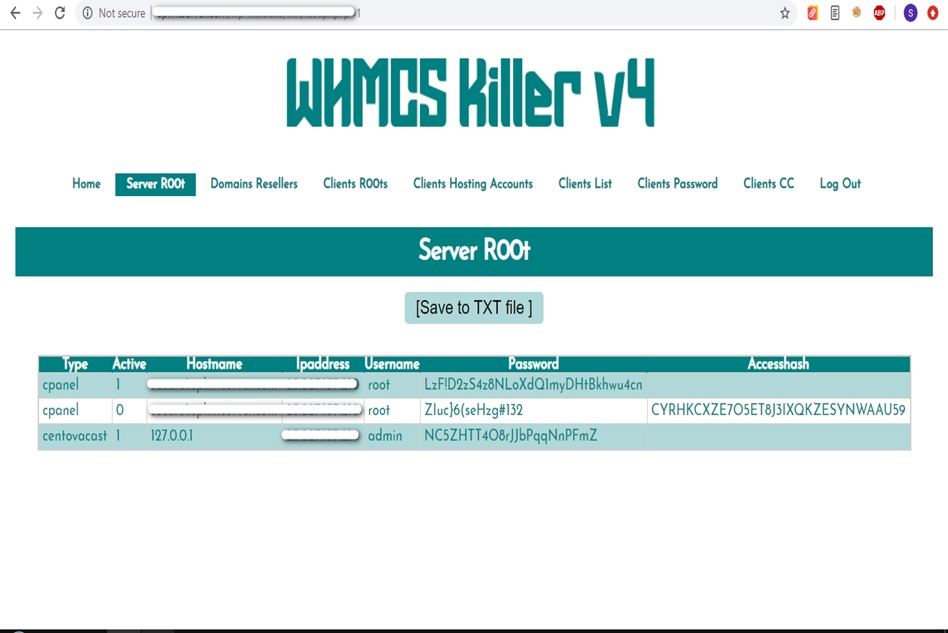
WHMCS Killer v4 Coded in Latest php version Tools Server R00t Domain Resellers Clients R00ts Clients Hosting Accounts Clients CC Clients Password NEw DEsign
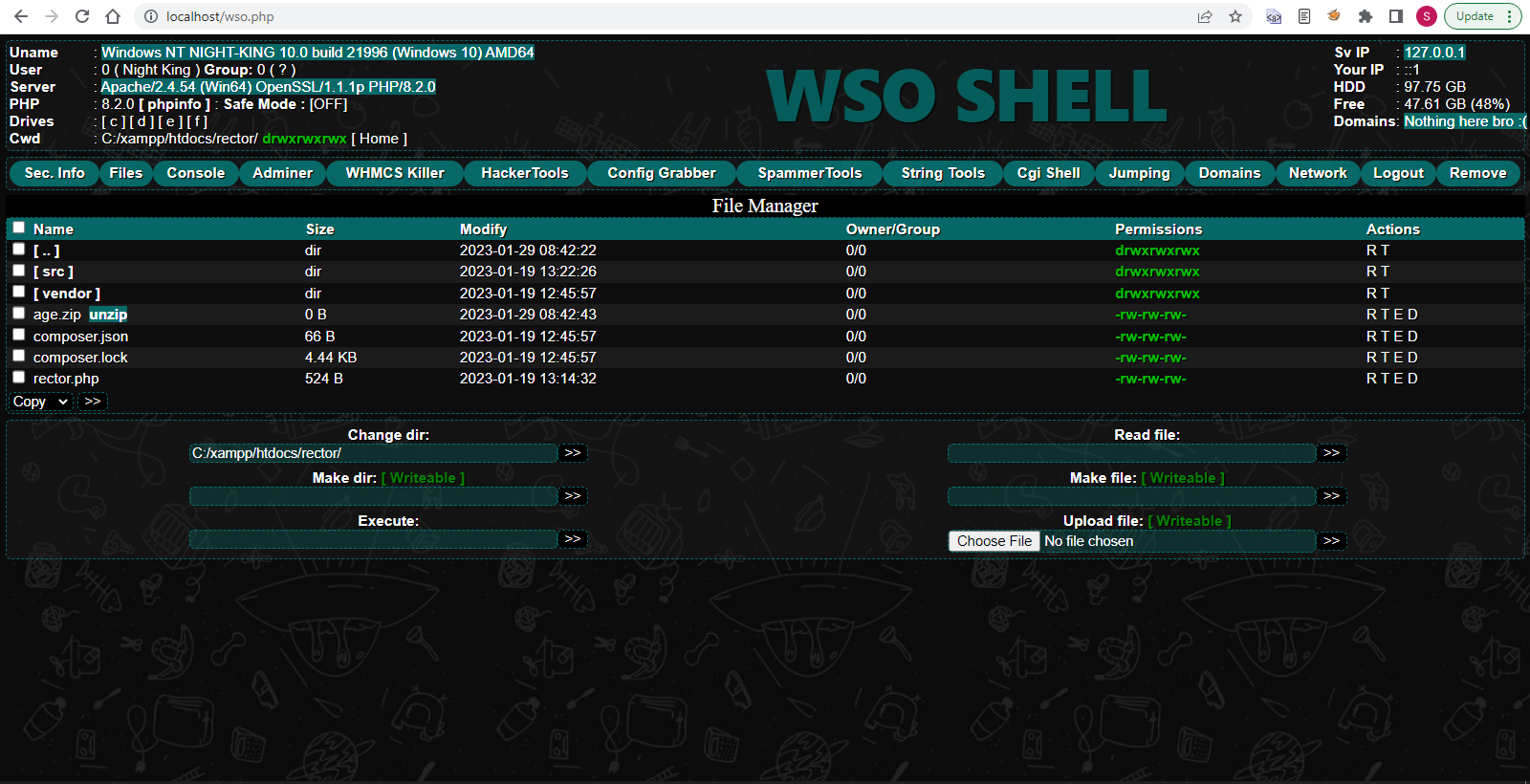
WSO SHELL 2023
[Hacker Tools] cPanel/WHM/WebMail Cracker - Create RDP - Getting Passwords - Finder .accesshash/WHM - Finder .my.cnf/cPanel - Auto Change Admin User WordPress/Joomla/OpenCart - Zone-h Poster - Install BackDoor [Spammer Tools] Create SMTP - Create Mailer - Mail Sending Checker - Redirects - Getting Emails-List - Emails-list Filter [Other Features] Adminer - WHMCS Killer v4 - Unzip - Config Grabber[Advanced] - Server Jumping - Cgi Shell - Back Connect - Domains List [Supported] php 5.x - php 7.x - php 8.x Password:dadsec
This article will walk you through everything you need to know about the unlock process, from generating unlock codes to using third-party software. Before we dive into the "how," let’s clarify the terminology. Network unlocking is the process of removing software restrictions embedded by your original carrier. Once unlocked, your ZTE MF920V will accept SIM cards from other providers.
Find a reputable unlocker (e.g., UnlockBase, TheUnlockr, or DC-Unlocker). Enter your IMEI, pay, and wait for the email (usually 5 minutes to 2 hours). unlock zte mf920v
Once unlocked, your ZTE MF920V becomes a universal travel companion—ready to accept any SIM card, in any country, at any time. Disclaimer: The author is not responsible for any damage caused by incorrect unlocking procedures. Always verify the reputation of third-party unlock services before purchasing. This article will walk you through everything you
Turn the hotspot back on. Because the SIM is invalid, the LCD screen should change to a "SIM Lock" or "Enter Unlock Code" screen. Once unlocked, your ZTE MF920V will accept SIM
Stuck with a limited carrier contract? Traveling abroad and faced with exorbitant roaming fees? The solution might be simpler than you think: unlocking your ZTE MF920V.
Using the physical buttons on the side of the MF920V, navigate to the input field. Enter the 8-to-16-digit unlock code you received via email. Press "OK."
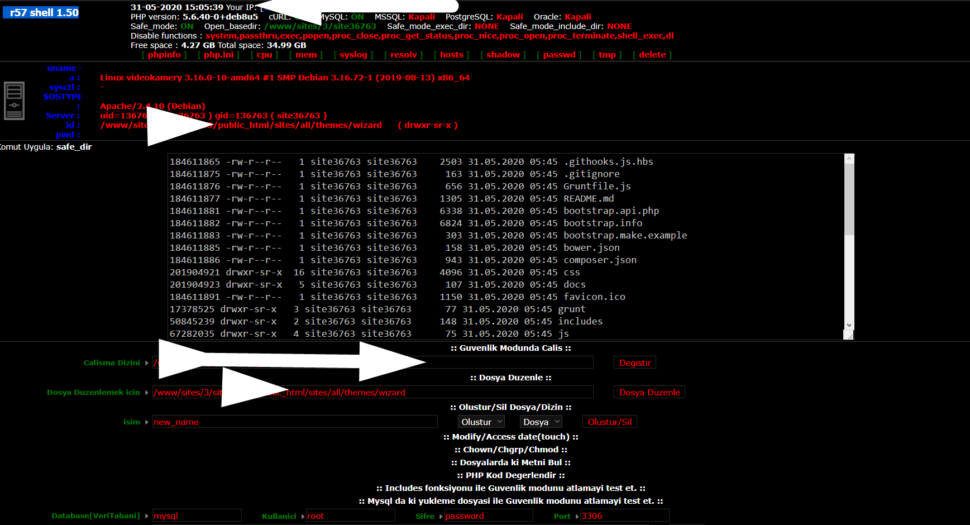
Wr57 shell txt
visit the most interesting R57 pages, well-liked by users from your country and all over the world, or check the rest of r57.biz data below. R57.biz is a website, reported to be malware-infected or hijacked, so you should stay away from it until the problem is resolved. We found that English is the preferred language on R57 pages. Their most used social media is Facebook with about 93% of all user votes and reposts.
This article will walk you through everything you need to know about the unlock process, from generating unlock codes to using third-party software. Before we dive into the "how," let’s clarify the terminology. Network unlocking is the process of removing software restrictions embedded by your original carrier. Once unlocked, your ZTE MF920V will accept SIM cards from other providers.
Find a reputable unlocker (e.g., UnlockBase, TheUnlockr, or DC-Unlocker). Enter your IMEI, pay, and wait for the email (usually 5 minutes to 2 hours).
Once unlocked, your ZTE MF920V becomes a universal travel companion—ready to accept any SIM card, in any country, at any time. Disclaimer: The author is not responsible for any damage caused by incorrect unlocking procedures. Always verify the reputation of third-party unlock services before purchasing.
Turn the hotspot back on. Because the SIM is invalid, the LCD screen should change to a "SIM Lock" or "Enter Unlock Code" screen.
Stuck with a limited carrier contract? Traveling abroad and faced with exorbitant roaming fees? The solution might be simpler than you think: unlocking your ZTE MF920V.
Using the physical buttons on the side of the MF920V, navigate to the input field. Enter the 8-to-16-digit unlock code you received via email. Press "OK."